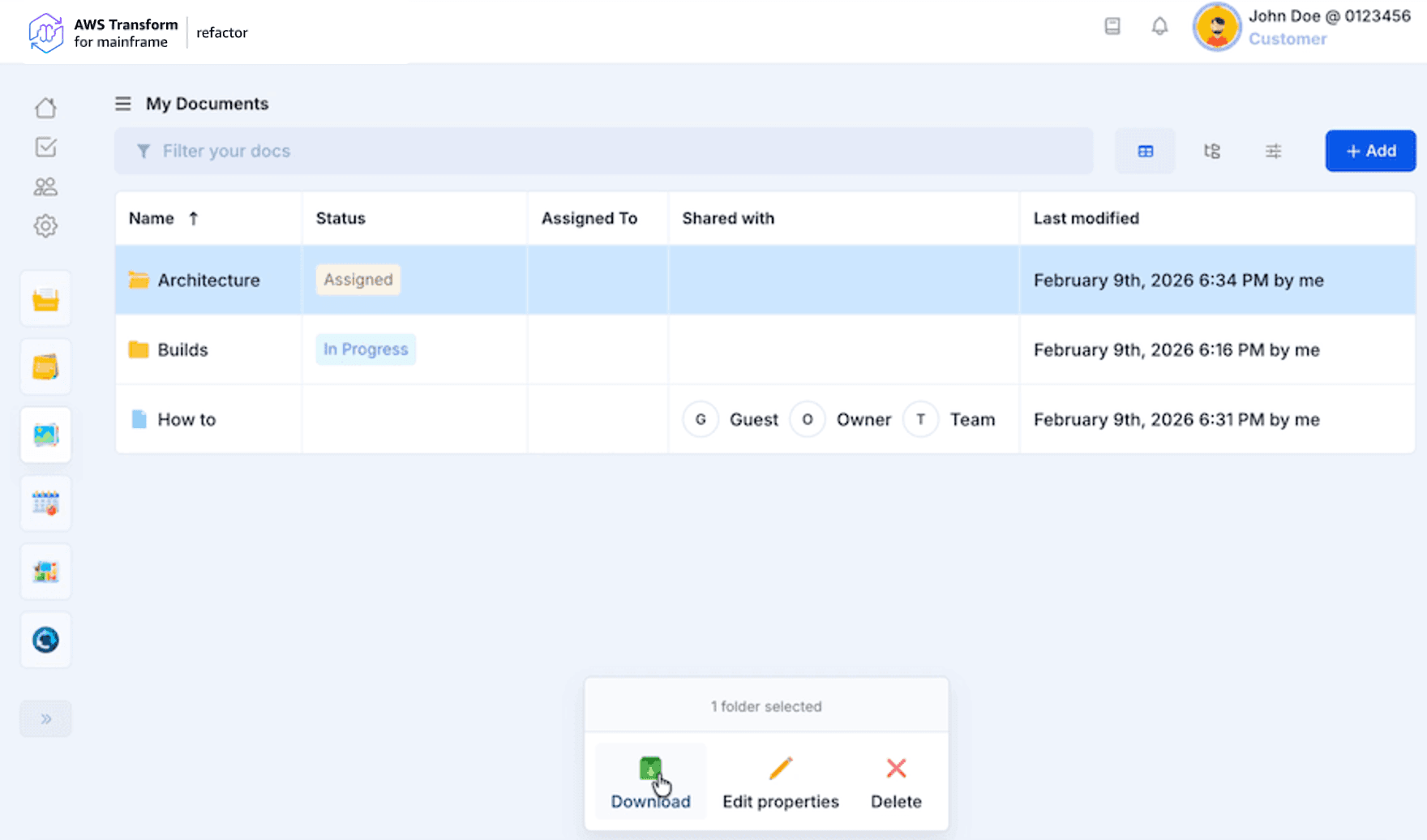
Documents
AWS Transform for mainframe refactor offers Document management to gather all your artifacts in one place. This feature allows you to import, create or link new documents in your project workspace.
Create a new document
Once you arrive on the documents page you will be able to create your first document. It is as simple as clicking on the “New document” button and choosing which option you want.
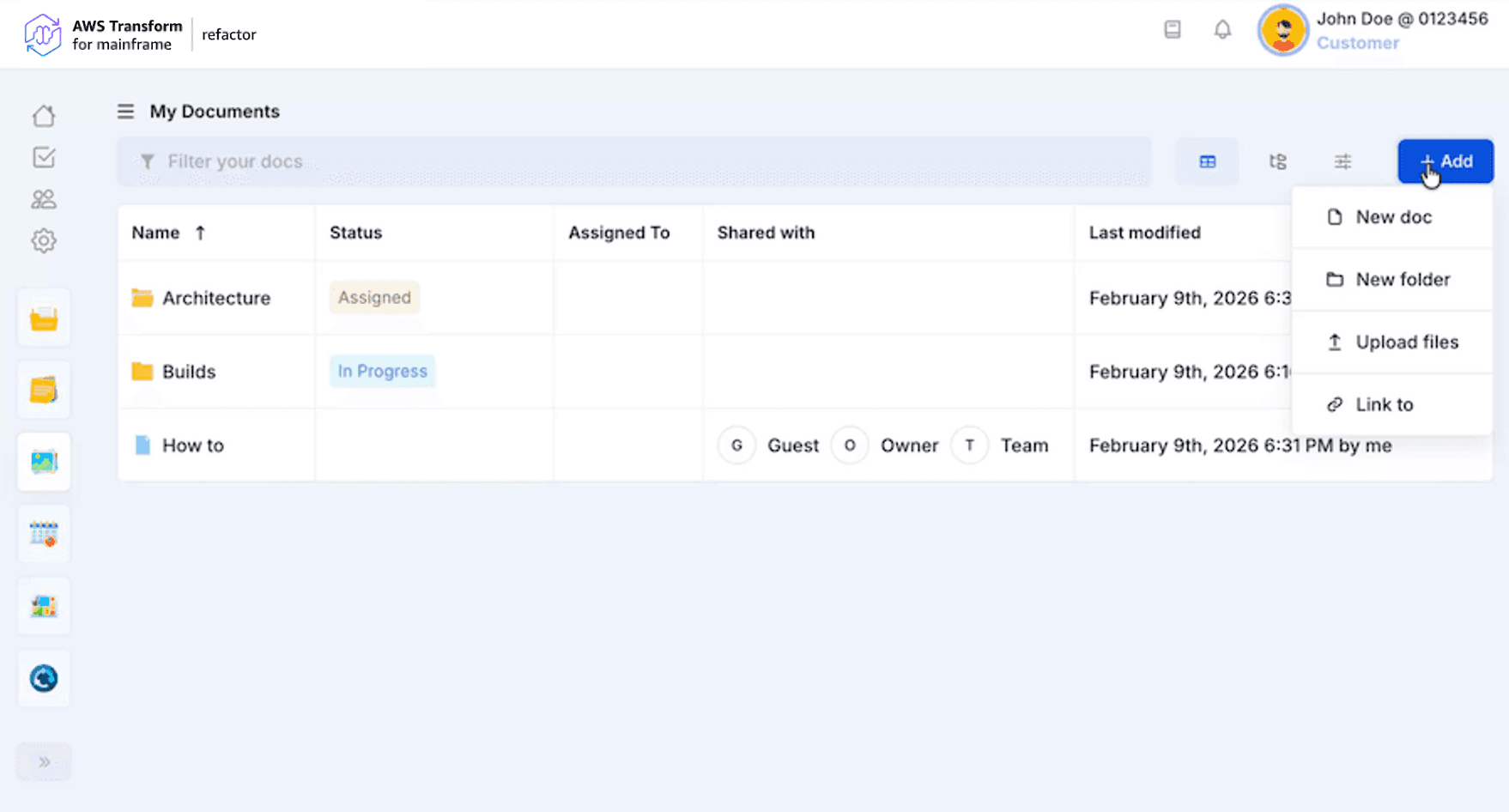
You can create different documents according to your needs:
- New doc: a new custom document you can immediately write in AWS Transform for mainframe refactor
- New Folder: a new folder to quickly organize your documents. By default, it will be only visible for you however you can share it with other team members.
- Upload files: new files you may want to add to your project documents
- Link to: a link to an external file, for example, links to Google docs, sheet, slide, etc.
For each new document or folder created you will have to name it (or import it if you are uploading files) and choose in which folder you want it to be stored (if no folder specified it will be stored at the root). By default, the content of the root folder is shared with all project members allowed to see the Documents module.
Find your documents
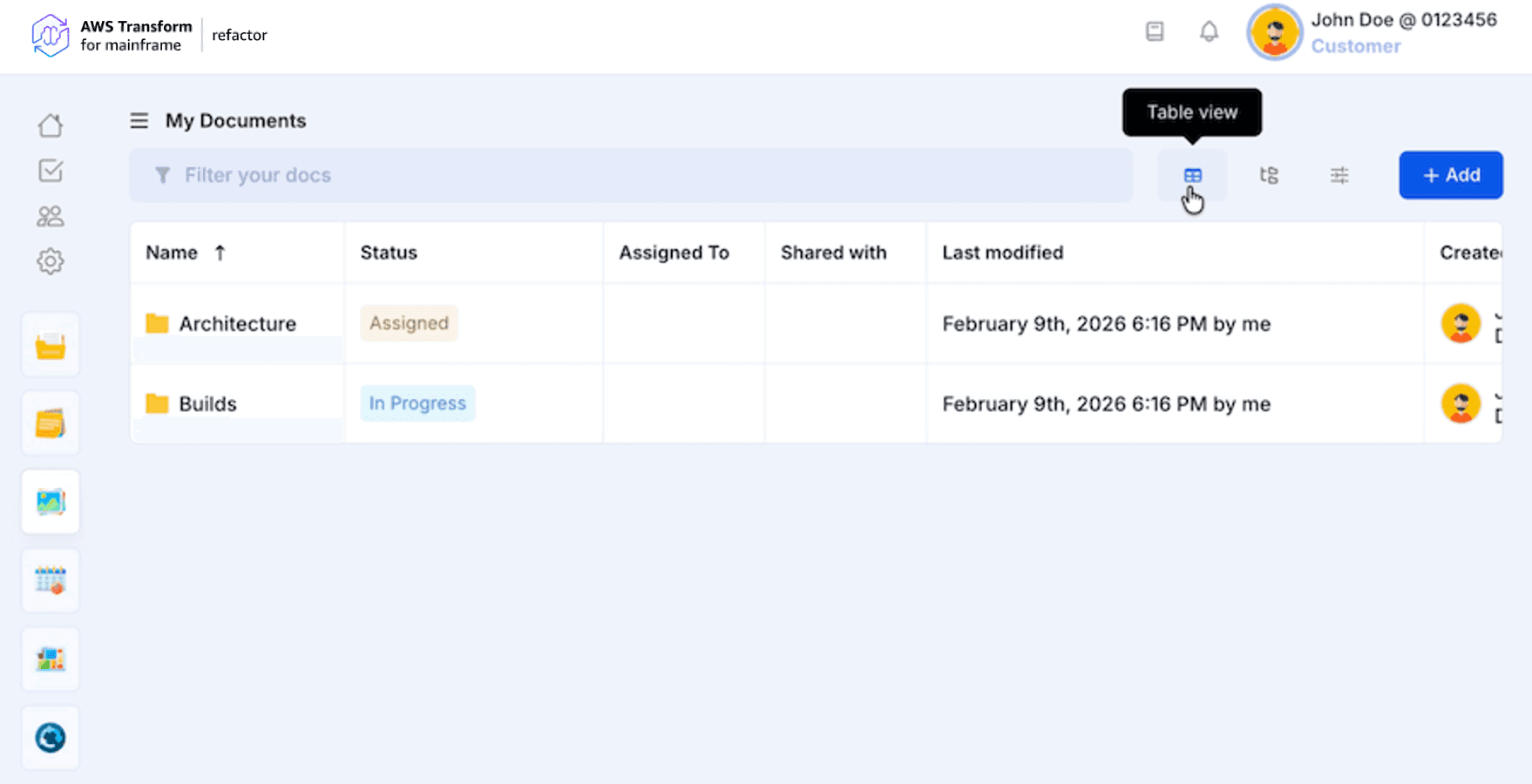
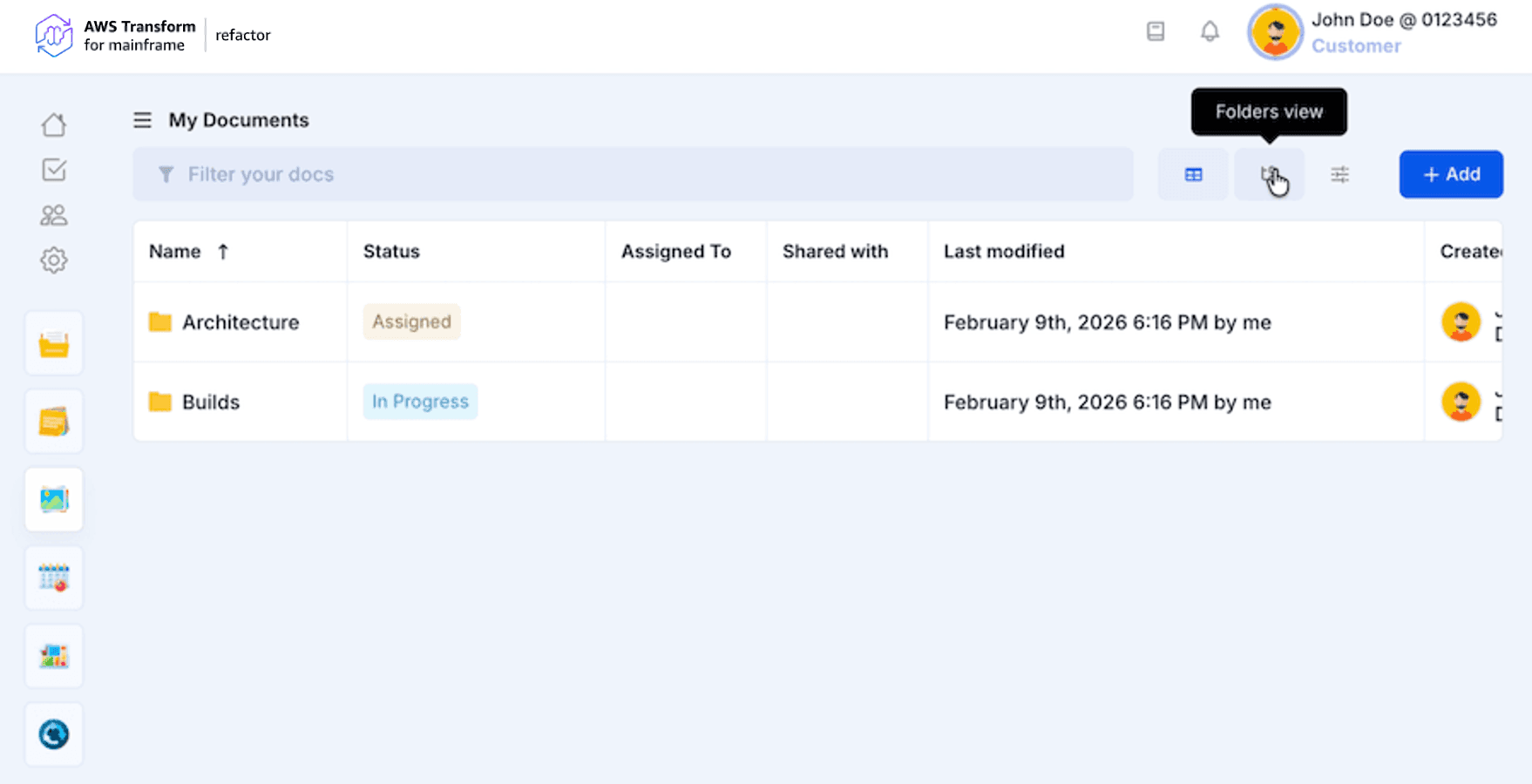
All your documents are displayed in the page table which proposes two views. In the table view, you will be able to navigate through folders by clicking on them. Once you are in a folder you can go back using the breadcrumb at the top of the table.
Table view
Folders view
Manage your documents
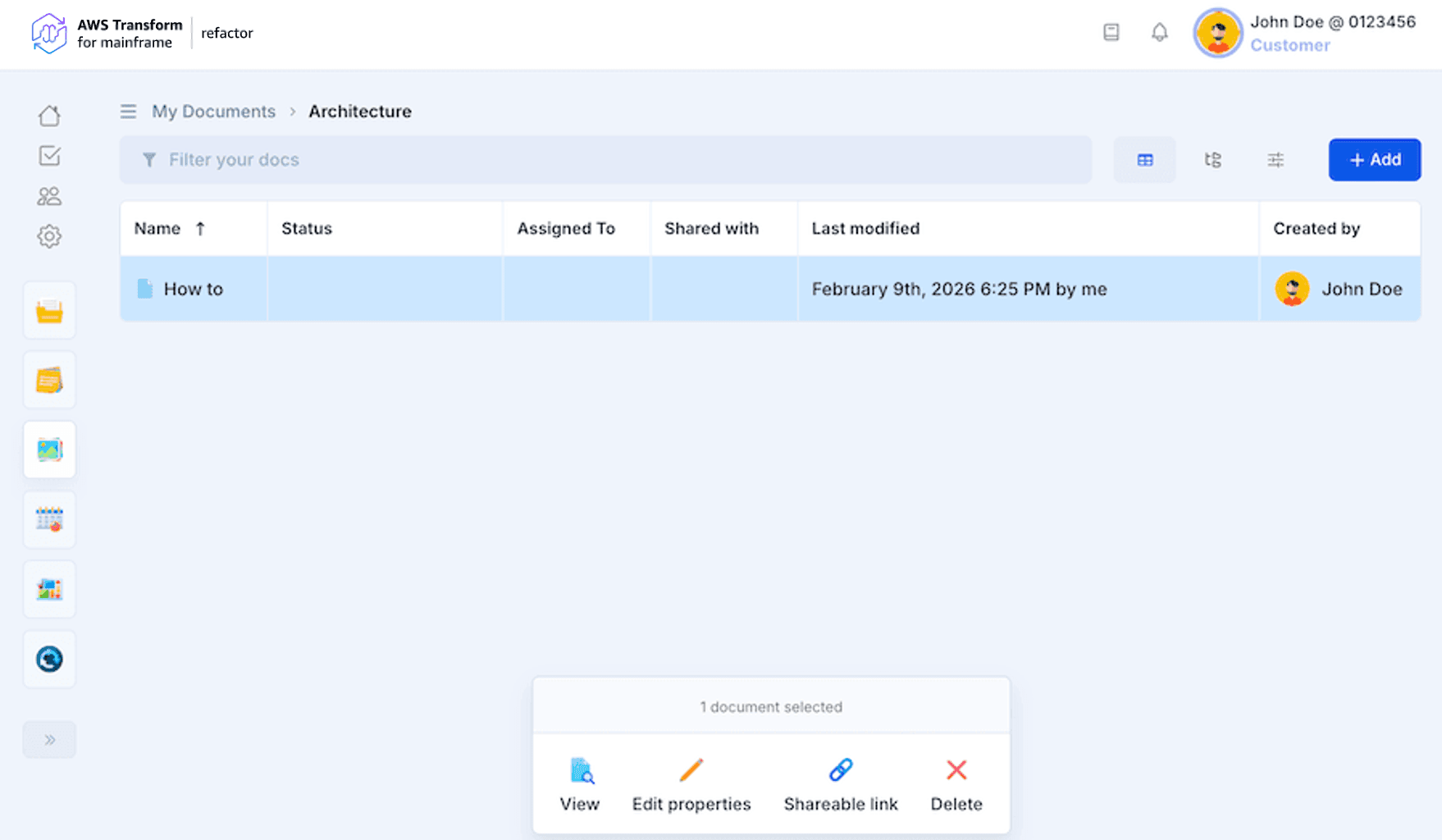
You will be able to manage your documents by clicking on them. Each document can be:
- Downloaded
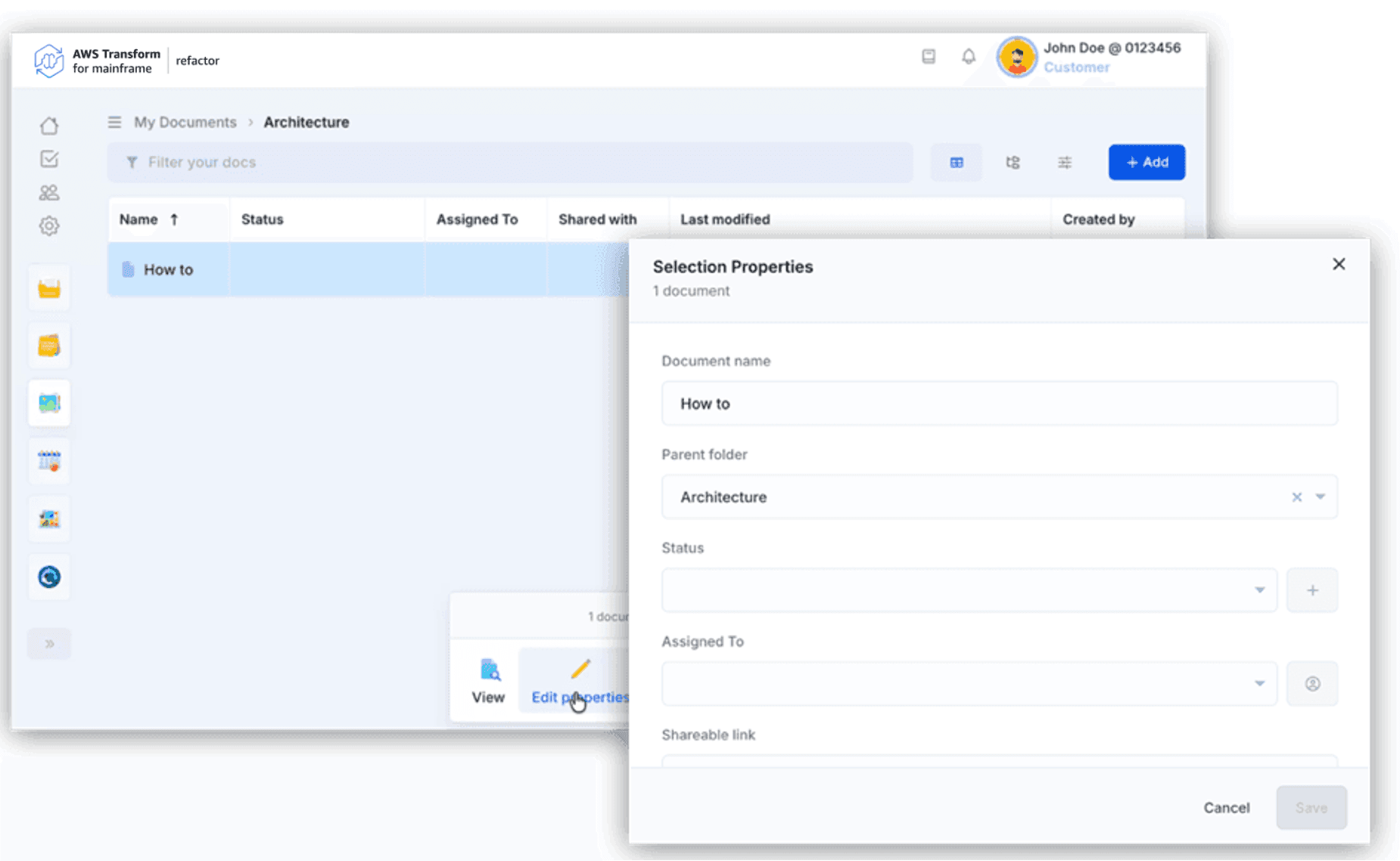
- Edited (name, parent folder, status, etc.)
- Shared (get a shareable link)
- Deleted
- Viewed (if their format is supported e.g. images, text, pdf, documents created in AWS Transform for mainframe refactor, etc.).
Edit document properties
Each document property can be edited through the Selection Properties.
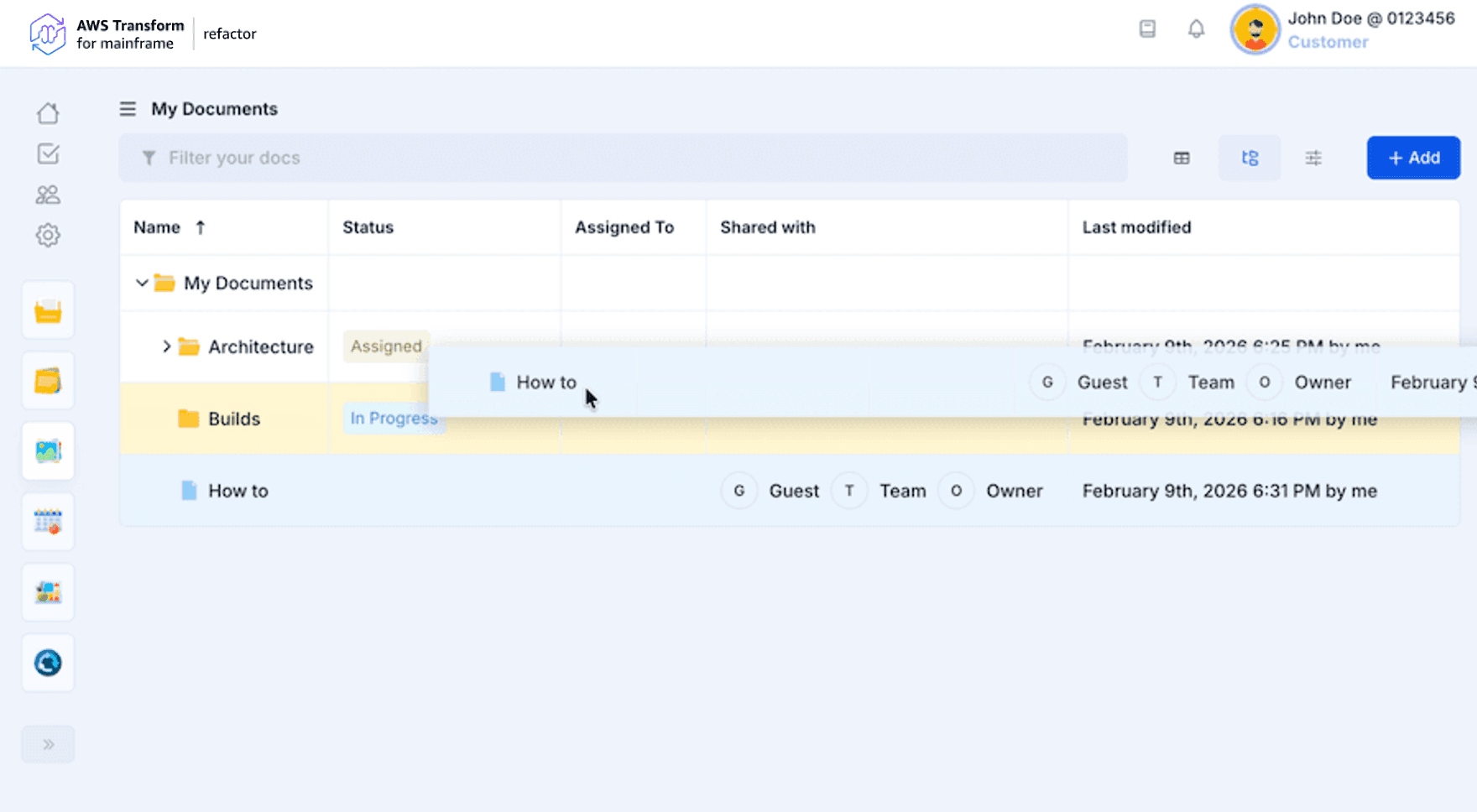
Move documents
All documents and folders are draggable. If you drag a document or a folder into a folder you will be able to move it into the target folder. If you drag a document into another one you will be asked to create a folder to store both of them.
Download documents
All the documents imported in AWS Transform for mainframe refactor are downloadable. You can select one or many documents (ctrl+click) to download them. If you select a folder it will be downloadable if it contains downloadable documents. Once you have downloaded your documents you will receive an archive containing the same architecture as the one in AWS Transform for mainframe refactor.