
Support
For assistance or inquiries about the AWS Blu Age Standard Delivery Environment (SDE), please visit AWS re:Post to ask your questions. The community and AWS experts there can provide support and guidance related to this solution.
Presentation
AWS re:Post provides access to curated knowledge and a vibrant community that helps you become even more successful on AWS. This curated content ensures users can find high-quality, relevant information quickly, while the active community fosters ongoing learning and skill development.
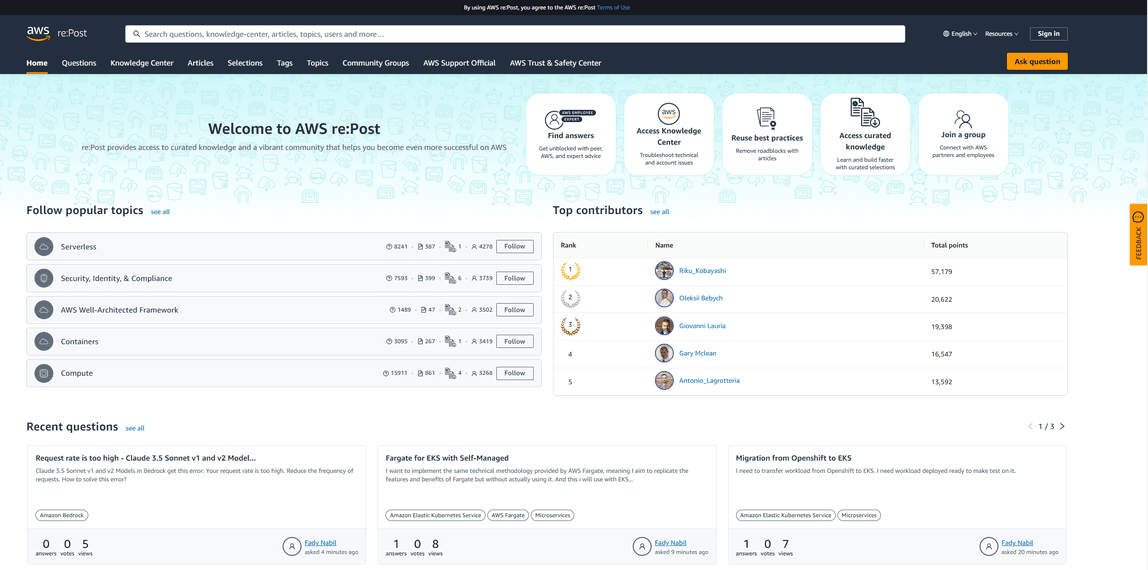
The platform is structured into various categories, making it simple to locate information on specific AWS services or topics. By leveraging both curated knowledge and community expertise, re:Post serves as a comprehensive resource that supports AWS users at all levels, from beginners to advanced practitioners, in maximizing their success with AWS technologies.. A vote/reputation system makes it easy to reward a good answer and to penalize a bad one.
It is divided in the following tabs:
- Questions: You can consult the questions already asked in this tab, find or write answers.
- Knowledge Center: Small articles that are written like a question / answer, for the most frequent questions and requests received from customers.
- Community Articles: Articles on various AWS subjects
- Selections: A selection is an aggregation of AWS knowledge on a specific topic (aggregation of articles, blogs, documentation, etc…)
- Tags: You can consult the different labels, that are associated to a content (question, article)
- Topics: A topic is an aggregation of multiple related tags
- Community Groups: A community group organizes users in a specific topic
My Dashboard: You can consult your points, your questions and answers, your articles, etc
Guidelines
There are a few guidelines when using AWS re:Post, that can be consulted here: AWS re:Post Guidelines
[!Warning] Warning You must not include any professional information (organization, customer / vendor) or any confidential information (AWS account ID, workload-specific configurations) in your questions. Any question with that type of information will be flagged and ultimately removed.
How to use AWS re:Post
For non-Amazon employees: Sign in to AWS re:Post
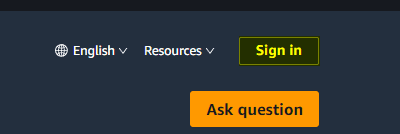
- Click on the Sign in button
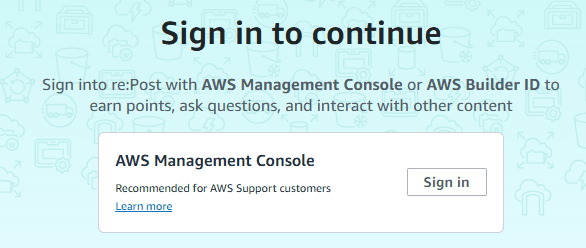
- Sign-in with AWS Console
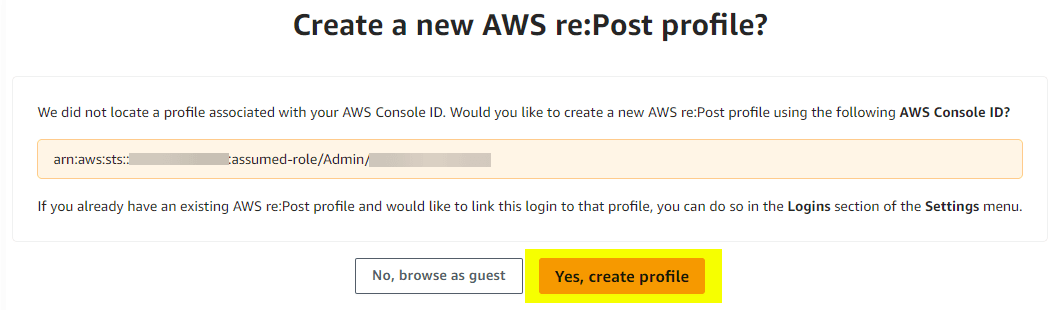
- **Create re:Post profile
For Amazon employees: Sign in to AWS re:Post
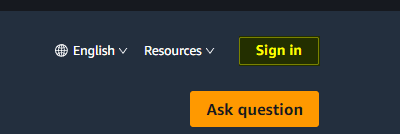
- Click on the Sign in button
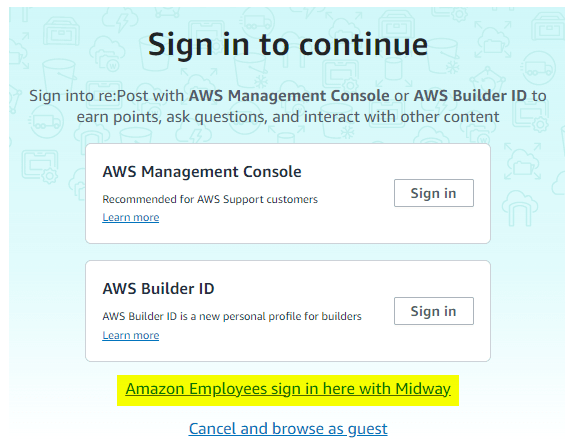
- Sign-in with Midway
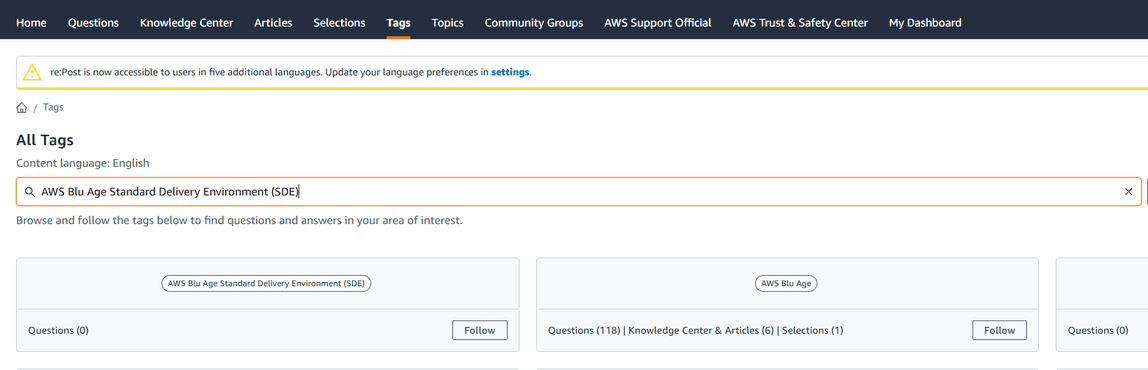
- After signing in, go to Tags tab and follow the AWS Blu Age Standard Delivery Environment (SDE) tag
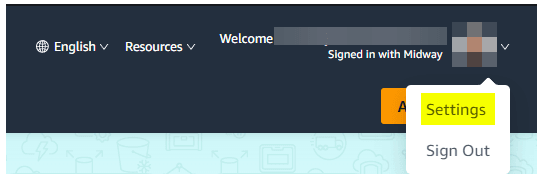
Go to Settings and update your recommended notification settings if needed:
- Settings button
- Notifications tab

- Recommended Content activity notifications
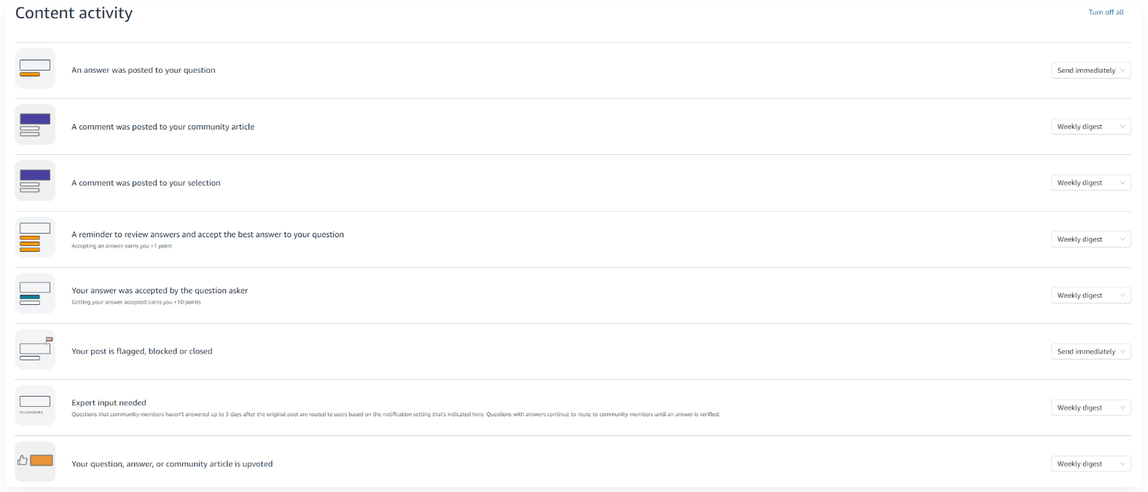
- Recommended Followed Content notifications

- You can now ask questions. When asking a question, you have to provide a Title, a Description and up to 5 tags to more broadly categorize the question and to link it to specific topics. It is important to note that you can only link images in your re:Post question. If you need to link another file type, it should be hosted on S3 first, then linked in your question.
Reminder
Remember that all questions are public, so questions should be correctly formatted, with enough information to be able to give an answer. It is acceptable to ask questions on the use, on deployment, on code issues, etc.